
A tablet by the door, built for the dojo
Most clubs jury-rig check-in: a sign-in sheet, the coach's phone, a generic kiosk app. It works, badly. Club Forge is the first UK martial arts product with a proper kiosk mode.
The dojo door at six minutes past six. Fourteen students arriving in five minutes. A coach who needs to be on the mat, not behind a screen. Most software gives you one app and asks everyone to use it — admin, member, parent, child, all on the same surface.
Club Forge’s kiosk mode runs on a shared device at the door, designed for the thirty seconds between arriving and bowing in.
Tap, PIN, in
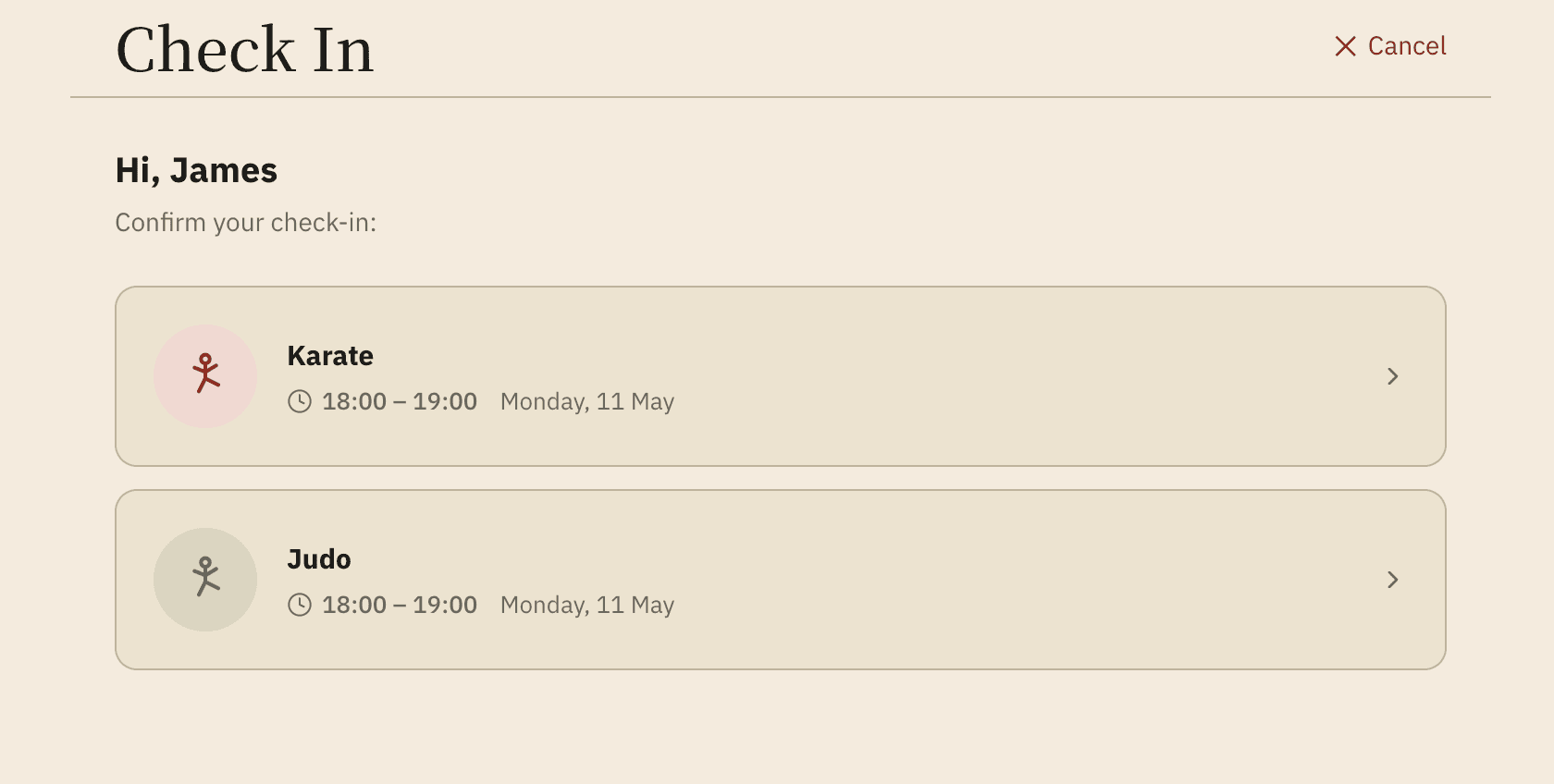
Members type a short PIN. That’s it. No usernames, no passwords, no email recovery flows. Parents use their own PIN for younger children, then choose which kids are training.
The interface is designed for a 30-second turnaround at a busy door — no menus to navigate, no confirmation dialogs to read, no scroll. A nine-year-old with sticky fingers can use it. So can a 70-year-old who’s been training since the seventies.
Parents check in their whole family at once
One PIN, one tap, one screen showing every child the parent is responsible for. Pick which ones are training tonight, confirm, done. Works seamlessly with family memberships and PAYT for casual sessions.
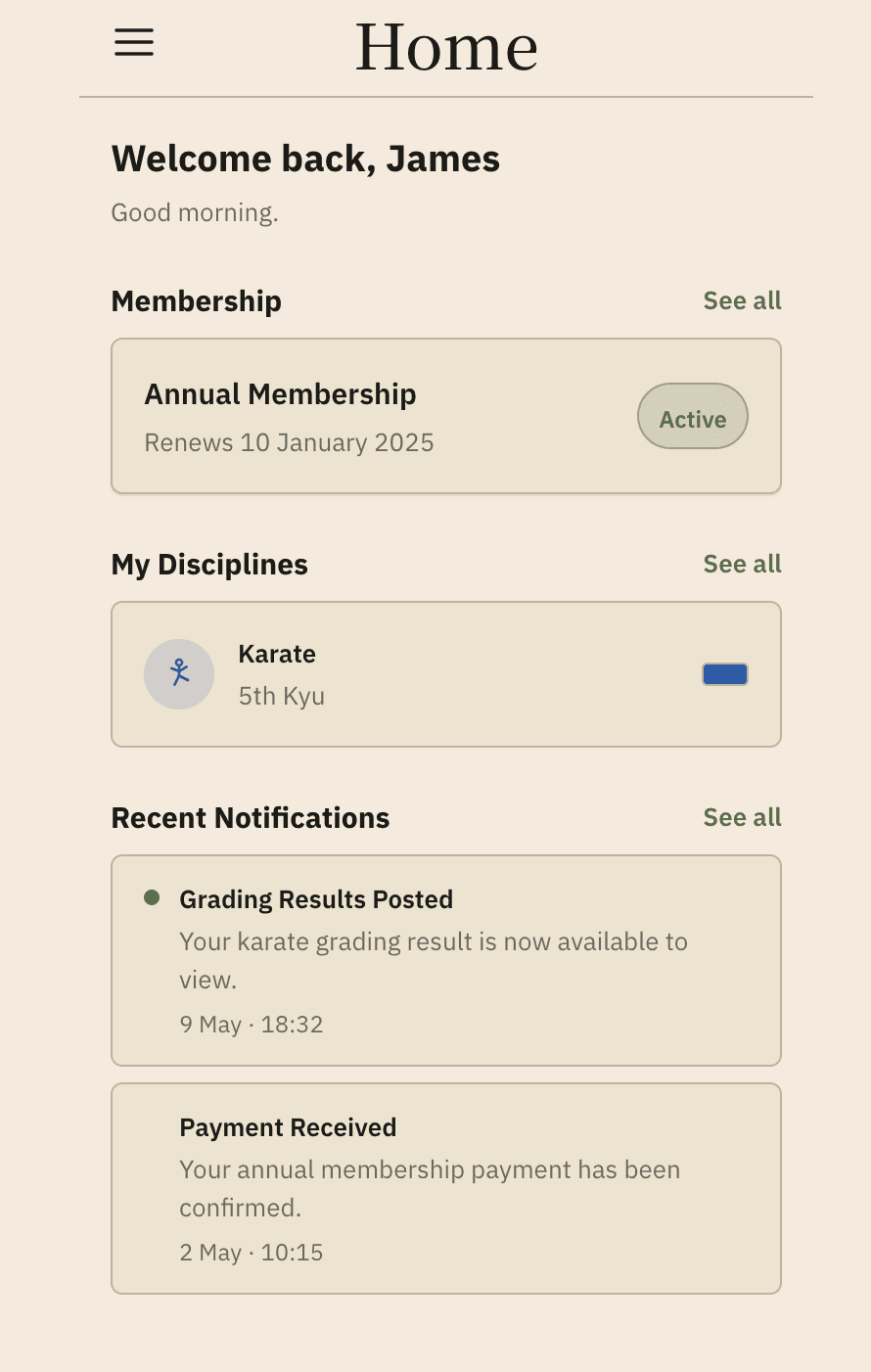
Students see their own ranks and history
On a private session, students can pull up their own grading history, attendance streak, current rank and time-in-grade. It’s designed for a one-minute look at progress — not for lingering. The session auto-locks the moment they walk away.
Built for shared use
The tablet isn’t a personal device. It’s a piece of club furniture that lives by the door, used by every member who walks in.
- Auto-locks after each session — no lingering data
- No personal data persists on the device once a session ends
- Safe to leave in a public dojo space
- No notifications, no marketing screens, no “engagement loops”
Why a dedicated kiosk mode
The owner view and kiosk mode are doing fundamentally different jobs. The owner view is dense, complex, and expects training. Kiosk mode is tap-PIN-in, designed for use by anyone in the dojo.
Same app, same data — different surfaces for different jobs.
More on how it all fits together.